
Order to dock
Charge only when it's on the truck
In a feed store, the order isn't done when someone clicks Buy. It's done when the bags are loaded. QRAPID follows the order all the way to the dock.
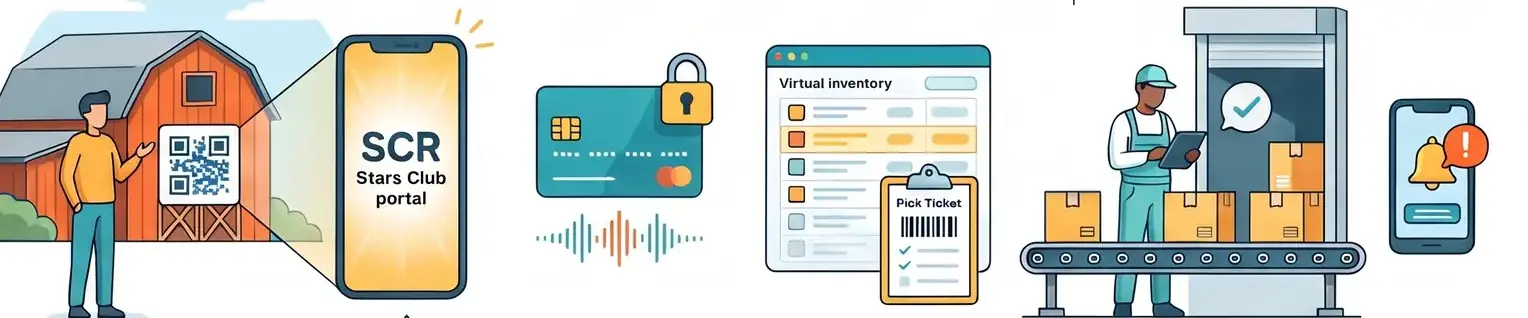
- Scan and order. A customer scans a counter or barn code and reorders in a couple of taps.
- Hold, don't charge. Checkout places a hold on the card without charging it.
- Reserve and ticket. The order reserves the stock and creates a pick ticket. Available stock is on-hand minus reserved.
- Verify at the dock. Yard staff check the load and mark the ticket picked up or loaded.
- Substitutions ask first. If an item is short or swapped, the customer approves before the total changes.
- Charge and deduct. Only now is the card charged and the stock deducted, for exactly what left the yard.
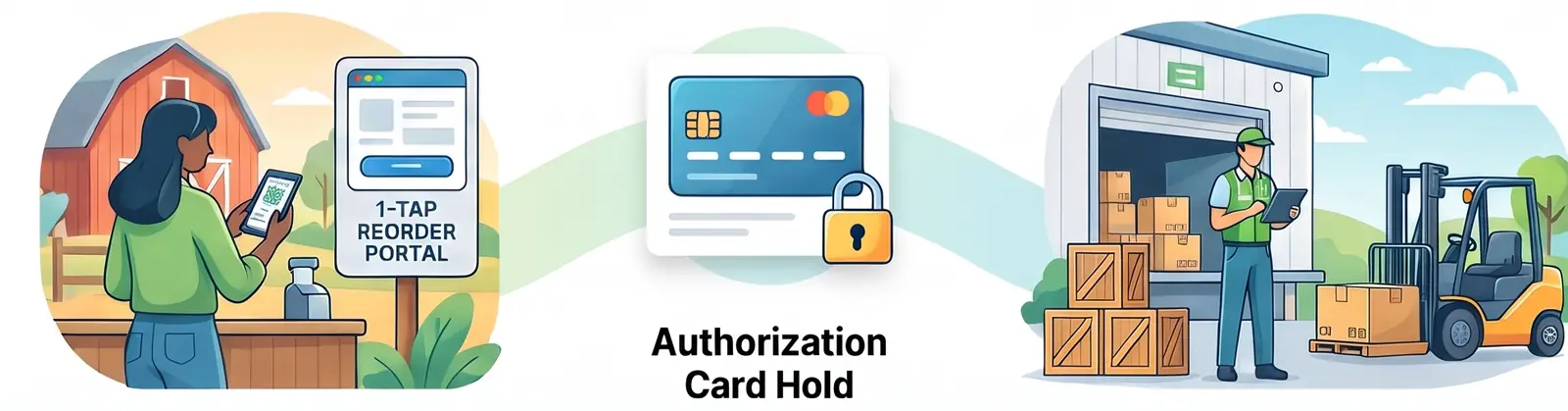
Charge the customer when the order is picked up
Charging at checkout means refunds for anything short. Holding the card and charging at the dock means the customer pays for what they actually took home, and the count only drops when stock physically leaves.
OUI · Omega UI, LLC
Own a business? Talk to us directly.
If your online store and your shelves disagree, or you're counting stock by hand, reach the company that built QRAPID.